For bouldering gyms

Put your walls online.

SQRLS turns your gym into a live logbook. And unlike most gym software, it doesn't make its money off gyms — it's built for climbers, focused on what they actually need. That focus keeps costs down, and it's why SQRLS is free for gym owners: minimal setup, with room to extend later.

The catch: we don't believe in crowdsourcing walls. Your setters create each route in the app with a fast, optimized process — because accurate routes are what make everything else work. Dependable leaderboards and logbook goals pull climbers back in before the walls change again: extra visits for your gym, real value for climbers.

Climbers and your setters use the app on iOS and Android — nothing else to install for the gym

The SQRLS home view with the live recent-ascents feed
Example

A day at a SQRLS gym

This is what your climbers get — and what keeps them coming back.

  • Log in seconds. Top a boulder, log it with one swipe in the app — or scan the QR at the wall. Flash logging included.
  • Leaderboards. A gym-wide ranking plus a live highscore for every sector — reset naturally as you re-set the walls.
  • Progression. Ascent percentages per difficulty, score history, and friend comparison keep regulars hooked.
  • Open doors. Every sector has a public web page: anyone who scans sees the highscore and routes — and a download link. Your walls advertise the gym.
All routes of the gym, organized by sector

Every route, every send

Ascent percentage per difficulty with progression graph

Progression per difficulty

Gym leaderboard standings

Gym & sector rankings

Setup

How the setup works

Reduced to what matters: four steps from first mail to live walls. No hardware, no software to install, no contracts.

1

Apply & get confirmed

One mail to contact@sqrls.app. We come back to you, confirm your gym's details — name, address, the metadata climbers will see — and set up your gym-owner account.

2

Set up your gym

As the owner you define your sectors and your difficulty levels in the app. Routesetters can be added any time later, once they have an account. That's the whole base setup — your gym is usable from here.

Tip: ideally, each sector is a section of the gym that gets re-set entirely in one setting cycle — that way taking down and re-setting routes stays a clean, one-sector-at-a-time routine.

3

Enter your routes

From the routesetting view, every route goes in one of three ways:

Scan at the wall

Scan the QR code and set the route right where it hangs (requires placing QR codes next to every route).

Pick manually

Select the QR-ID yourself — for setting when you choose not to use QR codes, or one isn't scannable.

Sector session

Re-set a whole wall in one go: photograph route after route, then fill in the details in a single batch.

Every route carries a start-hold photo — it's mandatory, marks exactly where the route begins, and is how climbers recognize the route in the app. A full route photo showing the whole line is optional, but worth the extra shot: it lets climbers identify the route on the wall beyond doubt. Without one, the app falls back to the sector's photos on every route of that sector — and if those are missing too, climbers see a note that no full route photo was provided.

Every sector carries up to four overview photos — they're the sector's face in the app and on its public web page. After re-setting a wall, re-shoot them from the routesetting view: pick the sector, take up to four photos, submit. The new set replaces the old one everywhere at once, so the app always shows your walls as they stand today.

Every route stays editable after it's set. Open it by scanning its QR code or picking it from the gym's route grid, fix the name, grade or hold color — the change reaches climbers immediately, and grade corrections re-score affected climbers automatically. Removing a route works as a takedown: it retires from the active gym, its QR code frees up for the next set, the leaderboard adjusts on its own — and your climbers keep the ascent in their logbooks.

4

Make it visible

SQRLS works as well as it's visible in your gym:

QR posters at every sector

Print-ready posters with the sector's QR code go up at the wall. A scan opens the sector live — its highscore and routes — and visitors without the app land on the sector's public page, download link included.

Gym screen

Got a TV in the gym? A summary made for the big screen: your sectors at a glance and the overall leaderboard.

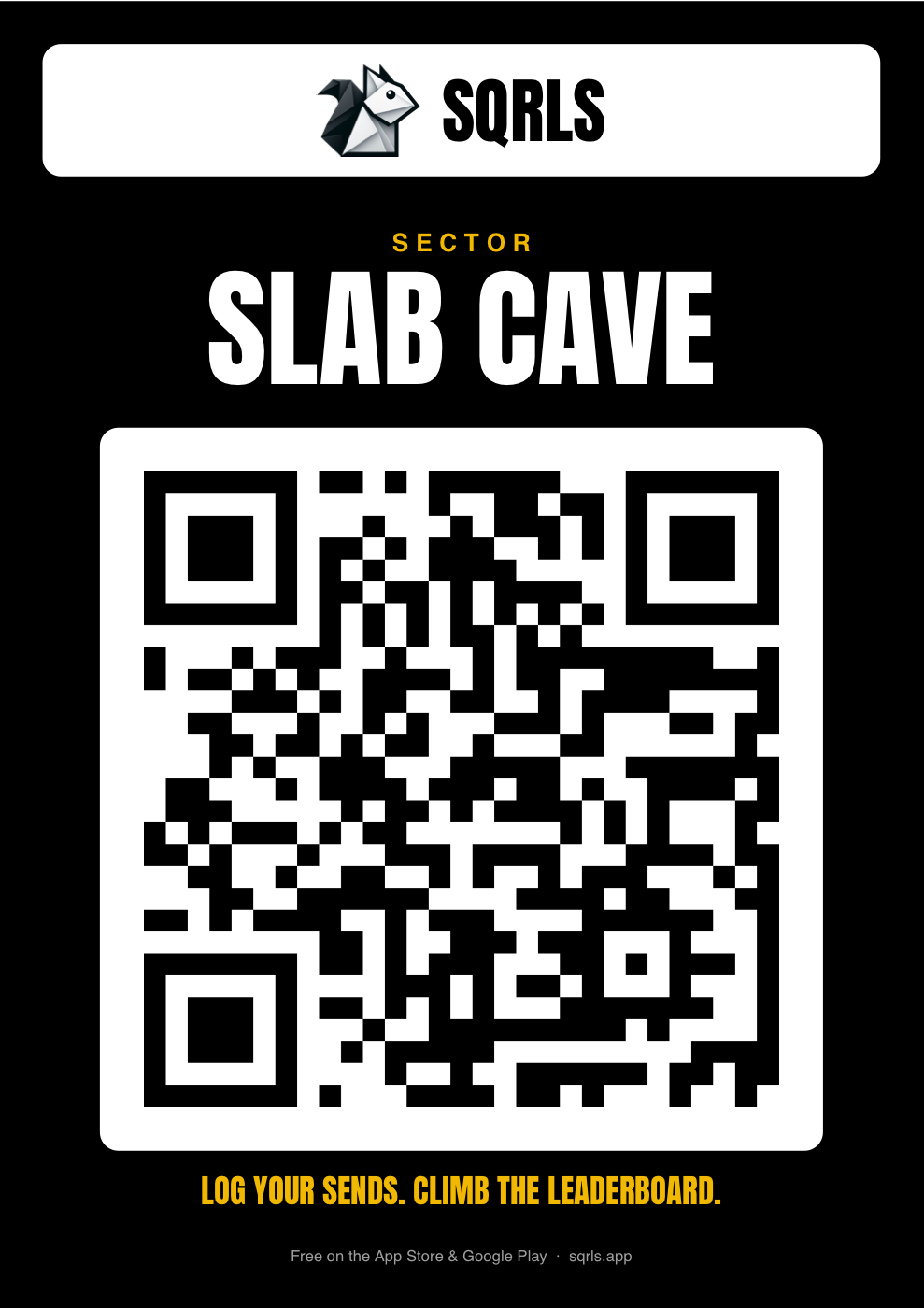
A black SQRLS poster for the sector 'Slab Cave' with a large QR code

Every active sector gets its own poster as a print-ready PDF — A4, A5 or A6, whatever fits your walls: the sector's name, its QR code, and where to get the app. Pin it at the wall — a scan opens the sector live in the app; without the app it lands on the sector's public page.

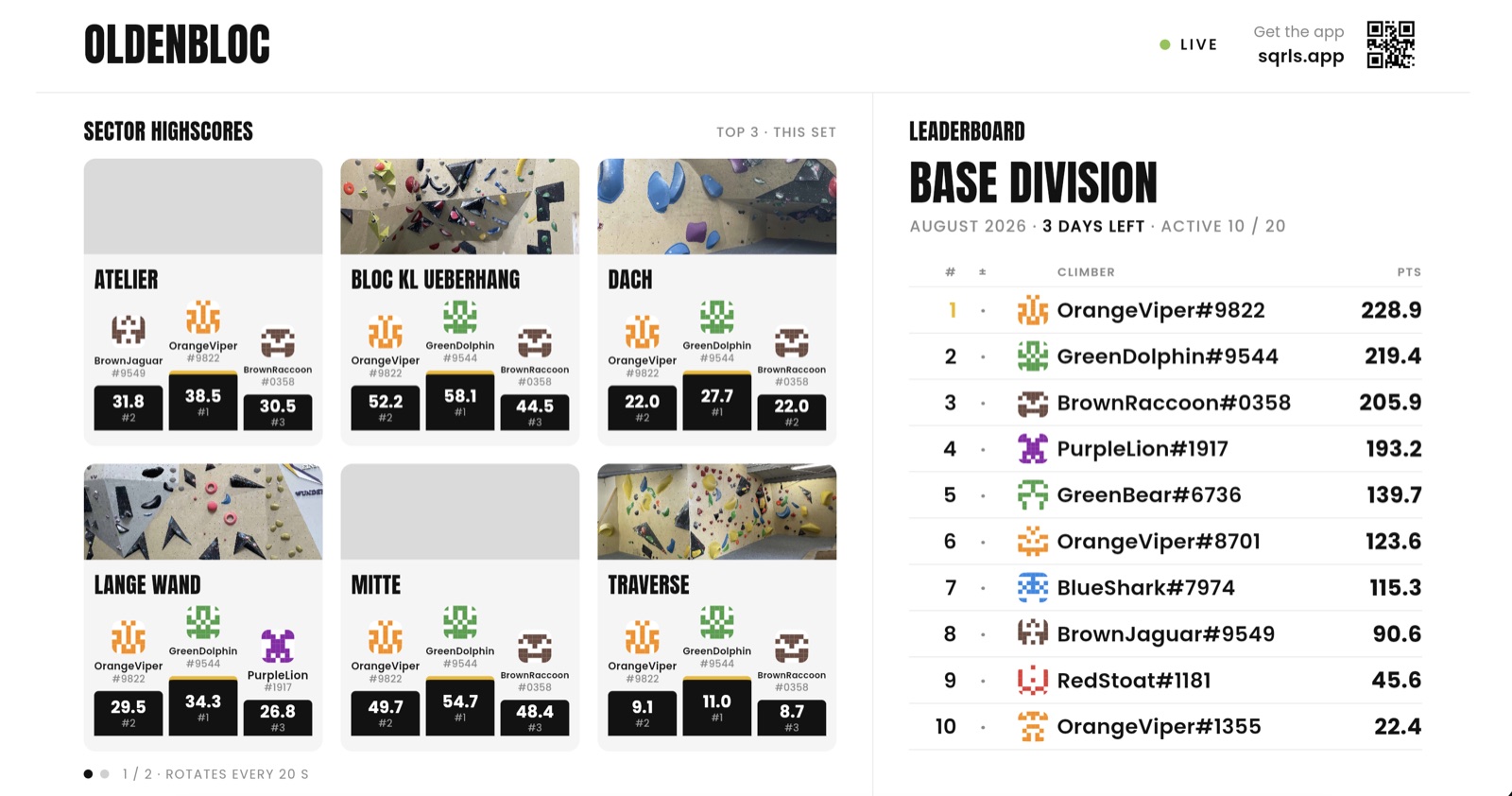
The SQRLS gym screen: six sector cards with their top-3 podiums on the left, the month's leaderboard on the right

The gym screen on a TV: the top 3 of every sector on the left, the month's leaderboard on the right — pseudonyms only, refreshing on its own. Any TV with a browser will do; gym staff unlock it once by scanning a code with the app.

Day to day

How you use it as a gym

SQRLS follows your existing routine — setting, stripping, re-setting — instead of adding a new one.

Set

Route management

Setters add, edit and grade routes in the app. New routes appear for climbers the moment they're saved.

Strip

Re-setting walls

Taking a wall down is one action: routes are retired, the QR codes free up for the fresh set, and scores adjust on their own.

Read

Feedback on your setting

Send rates and climber feedback per route show you which problems land — and which grade feels off.

Watch

Engagement you can see

Leaderboards and sector highscores give your regulars a reason to come back for that one open project.

What it costs: nothing. SQRLS is free for gyms. Climbers use the app for free too, with optional premium stats they can subscribe to themselves — your gym never pays and never handles payments.
Get started

Want this in your gym?

Tell us about your gym — size, sectors, anything you like. We'll take it from there.

contact@sqrls.app

Setup is free and easy — most gyms are live within days.